Tuesday, May 8, 2012


The LRC will begin Summer Hours on
May 14th, 2012.
Monday-Thursday 8:00a.m.-7:00p.m.

Tuesday, May 1, 2012

Using LexisNexis Academic to locate movie reviews

If you need to locate a movie review, try using LexisNexis Academic. 


For this example, we will search for a review for the movie "Hunger Games".


To find LexisNexis Academic, if you are on campus, go to the Online Databases page and select the link for LexisNexis Academic. If you are off-campus, be sure to select the link for off-campus at the top of the page; type in your credentials, and then select the link for LexisNexis Academic.


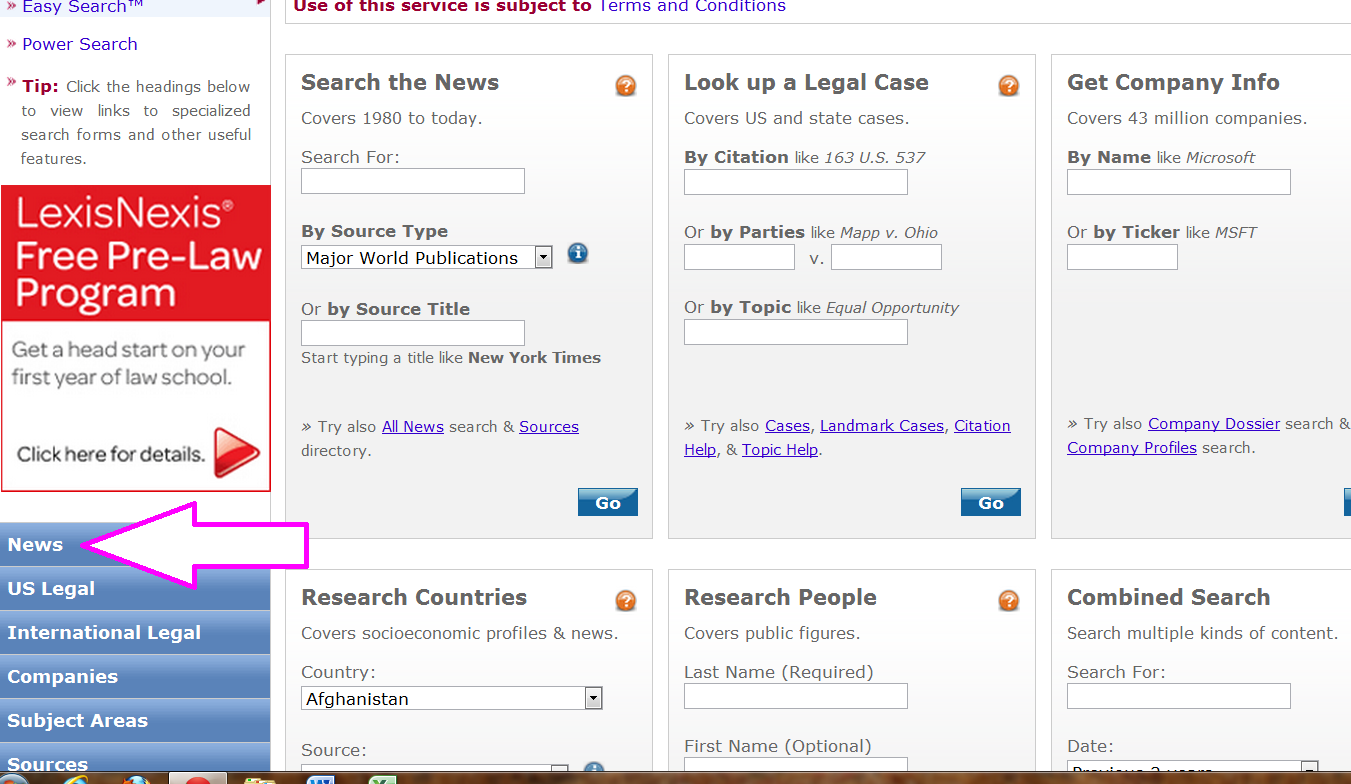
The opening screen will look like this:


From the opening screen, select News from the left hand side:


Then, select All News:


Now, add your search terms and change the pull down boxes to look like this:
(Notice that "In Same Sentence As" was chosen as a connector. This means that we are searching for 
the phrase "Hunger Games" and movie review within the same sentence. We will also select "Headline or Lead" from the pull down boxes which will find our search terms from a Headline or Lead story.)


Here are the results:


Choose the title and click to read the full text:


Be sure to check back for future tips on searching the databases and more about connectors (Boolean Operators)!

Monday, April 9, 2012

Getting the most out of your EBSCOhost search

To get the most out of your time and your search, be sure to use the Advanced Search within EBSCOhost. Within Advanced Searching, there are different boxes (limiters) to check to narrow your search and make your search more effective; as well as, more than one search box to search multiple search terms at once.

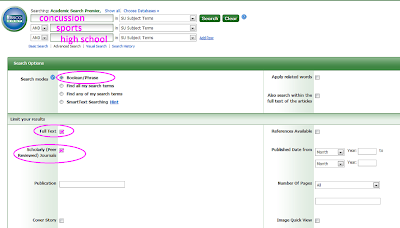
Here is an example for a search for articles on concussions in high school sports from journals that have been peer-reviewed:

If you are on campus, go to the Online Databases page and select the link for EBSCOhost. If you are off-campus, be sure to select the link for off-campus at the top of the page; type in your credentials, and then select the link for EBSCOhost.

Once you are within EBSCOhost, place a check beside the database(s) that you would like to search. For our example, Academic Search Premier and Cinahl Plus with full text were checked. Then select "Continue".

The screen that appears is the basic search screen.
Instead of using this screen, click on the Advanced Search screen. (Click on image to enlarge.)


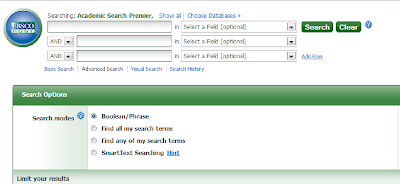
The Advanced Search screen is shown below: (Click on image to enlarge.)


Now, let's input our search terms and check the limiters that apply: (Click on image to enlarge.)


For our example, 9 results were found: (Click on image to enlarge.)
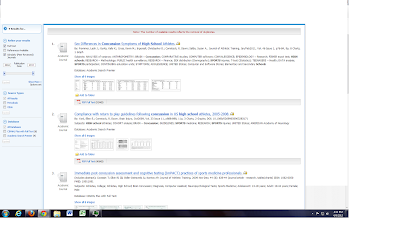

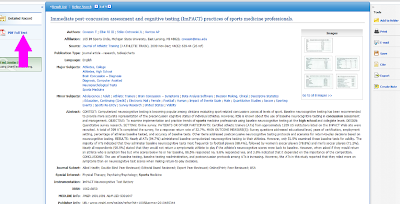
The 3rd article looks interesting. Click on the full text to read the entire article. (Click on image to enlarge.)

Be sure to check back for more LRC tips!

Friday, December 23, 2011

Another LRC Quick Tip

Have you ever written an absolutely brilliant paper but misplaced your flash drive? All is not lost, just copy your masterpiece and paste in your email or save (temporarily) on one of the LRC computers and add as an attachment to your email. Quick and easy!


Wednesday, December 7, 2011

Browsing electronic resources

LRC quick tip:

Have you ever wondered how to browse our eBooks and electronic resources?

Just select the SVCC card catalog from the home page; type in either electronic resources or eBooks as a search term; choose keyword; choose SVCC catalog; and hit enter. Now you will be able to scroll down and browse our collection.


Monday, November 14, 2011

**On November 15th, 2011 the LRC will be open 8:00a.m.-4:30p.m. due to Fall Workshop**

Tuesday, October 18, 2011

Citation help


Another LRC Quick Tip:

If you need to cite something but have no idea how - check out EasyBib. We first let you know about this awesome resource from our home page’s Other Resources Links but thought it was worth rementioning.


You will be able to find EasyBib at the top right of the page in Credo Reference once a search is performed or at http://www.easybib.com/.